Collaborate, add
team, share ideas
Made for brands and bigger teams in mind, work, create and plan together with a kanban-style work flow. Assign tasks to team members, collaborate on a single post, sort due dates and stay on top of every task
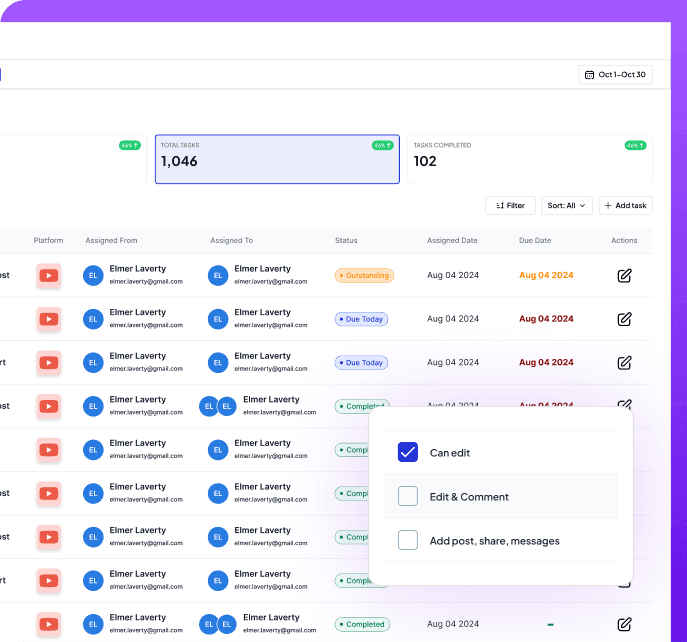
Create better, share together
Reduce the time you spend on content planning. Easily schedule and manage posts for Instagram, Facebook, LinkedIn and more.
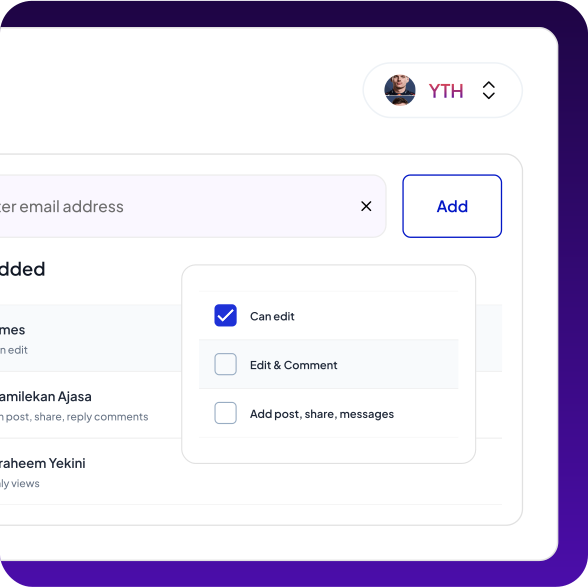
Manage your teams with our tools
Automatically determine the most effective times to post content to ensure maximum engagement and visibility on all platforms.
Share, add or distribute workflows
Real time collaboration
Team Collaboration tools for you
Minimize manual approaches and spend more time connecting with customers
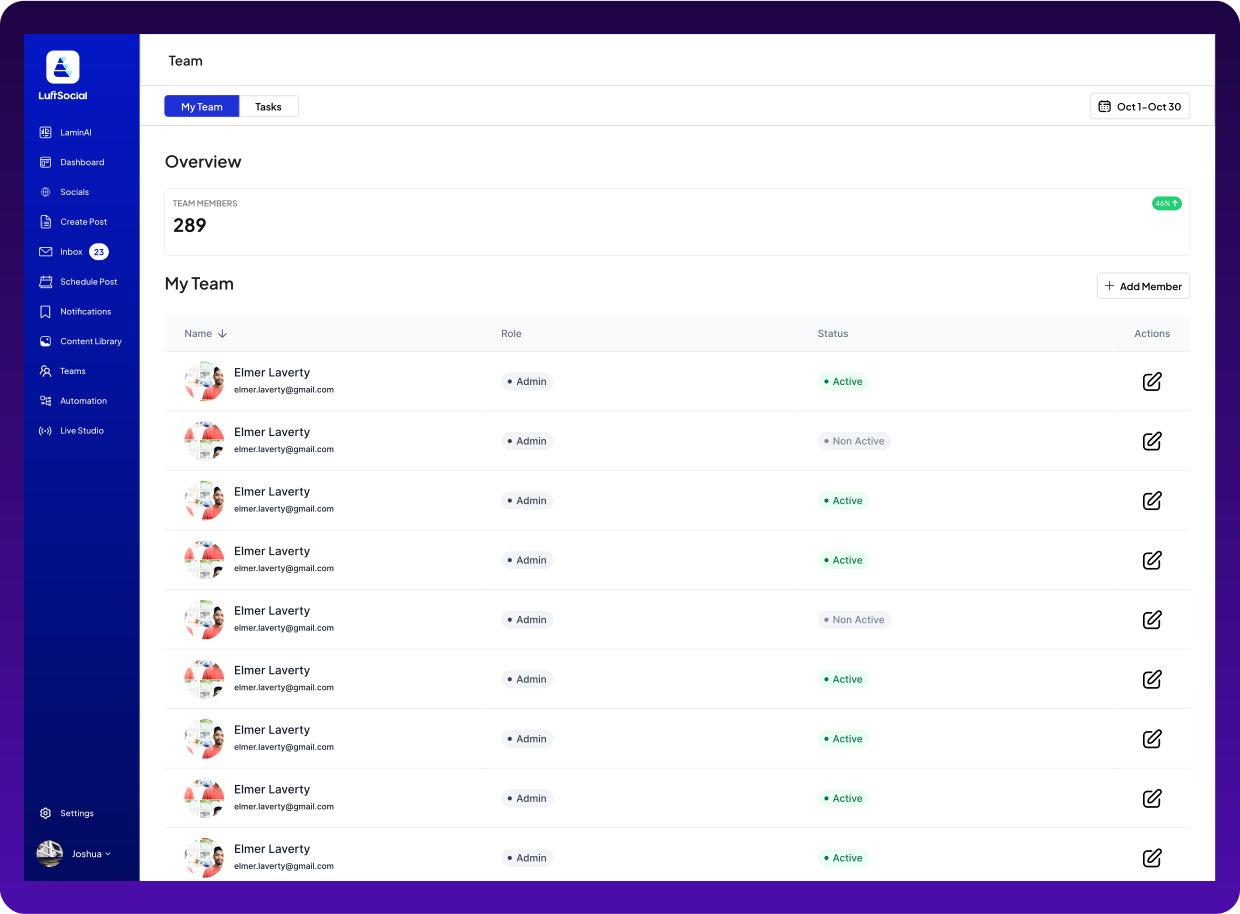
Streamline approval process, assign task and approve content
Leave notes, comments, share ideas and keep the magic flowing
Share calendar, view and plan together as a growing team
See how 20,000+ brands scale their social
media with Luftsocial
Join 4600+ Creators and start getting going with right now
Luftsocial has enabled us to gain deeper insights into the impact of our social media efforts and engage with customers more strategically across various channels. As social media continues to play a crucial role in connecting with our audience.

John Cheetham, Airthiil
Luftsocial has transformed the way we approach and organize our social media strategy. This AI-powered tools allow us to create engaging content effortlessly and schedule posts with precision. It's been a game-changer for our brand.

Matt Buro, Walmart
Luftsocial has revolutionized our social strategy. The platform's intuitive interface and schedule posts with precision. It's been a game-changer for our brand, helping us connect with our audience more meaningfully and drive consistent growth.

Mari Buro, Walmart
The analytics and insights provided by Luftsocial have been invaluable for our marketing team. We can now track performance across all our social channels and make data-driven decisions that have significantly improved our engagement rates.

Sarah Chen, TechCorp
What impressed us most about Luftsocial is how seamlessly it integrates with our existing workflow. The automation features have saved us countless hours while improving the quality of our social media presence.

David Kim, StartupXYZ
Top companies collaborate with team members on Luftsocial
Let us show you how to drive impact in your workspace with our collaboration tools.
Invite members with their email and personal information
Give access and permission to team members
Add team members and create roles
Collaboration Questions
Open Settings and go to Members. Choose Invite, enter their email, and pick a role: Admin, Manager, Editor, Member, or Collaborator. They receive an email to join. When the workspace has more than one brand, you also choose which brand they can edit.
Admin has full workspace control, including billing and settings. Manager can manage the team, posts, and approvals. Editor can create, edit, and publish. Member can draft and publish from the composer. Collaborator can draft and suggest, and cannot publish or schedule.
Open Teams. Posts waiting for a decision are in Review. Approving means the post can be scheduled. Someone still chooses the time before it shows on the calendar. Request changes sends it back with a note on the post. You can delete a task you created.
Yes. On a post in review, use Request changes and write what should change. The note stays on the post, and the teammate sees it when they open the work.